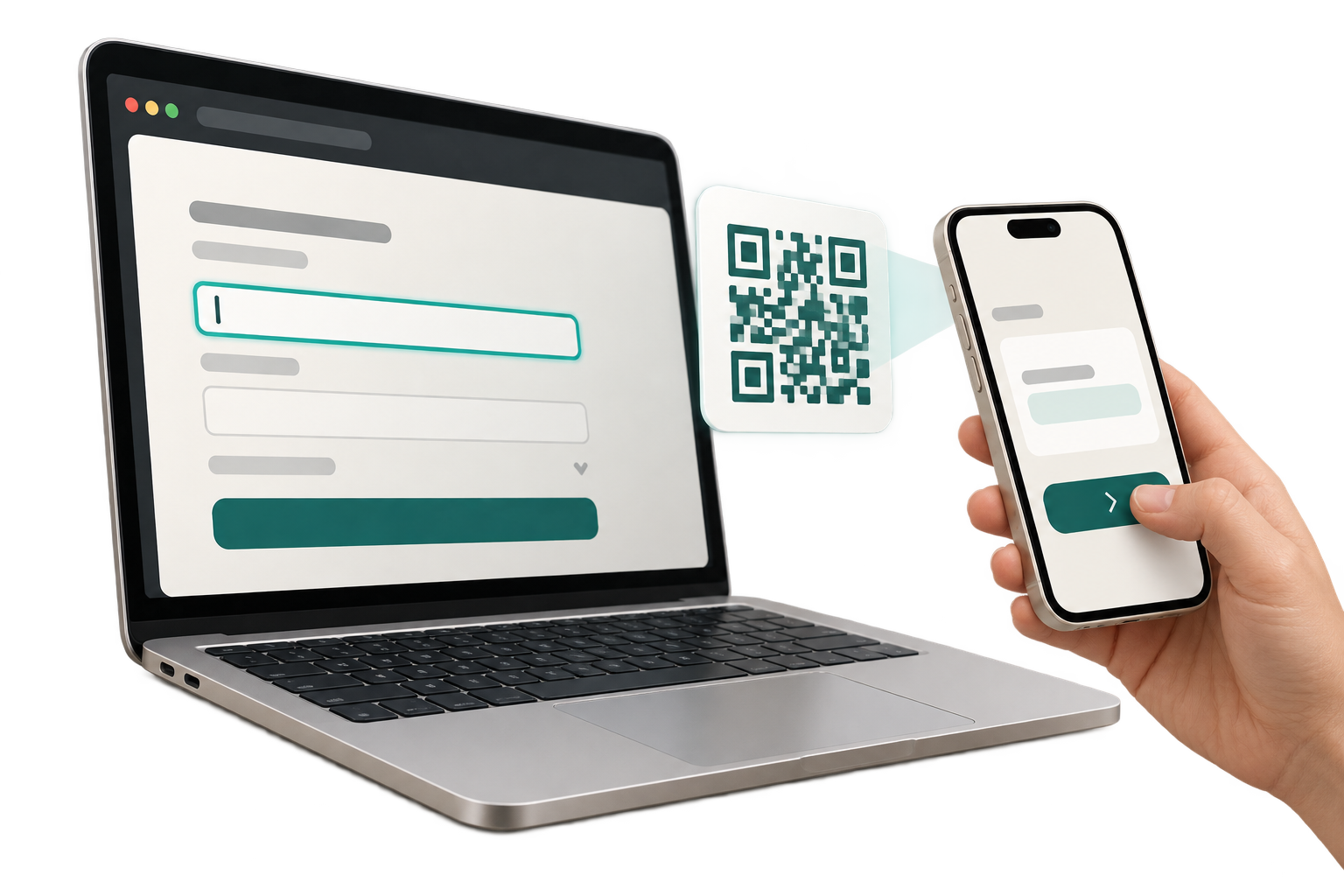
1
Choose the field
Right-click the exact password or editable field that needs the value.
A secure bridge from vault to field
Why copy an entire password vault to every computer just to use one credential? Passkeys are improving that model, but passwords, usernames, and recovery codes remain. Fill from Phone keeps the keyring on your phone and sends only the value you choose.
How it works
The desktop asks for one value. Your phone supplies only that value through a fresh encrypted path.
Right-click the exact password or editable field that needs the value.
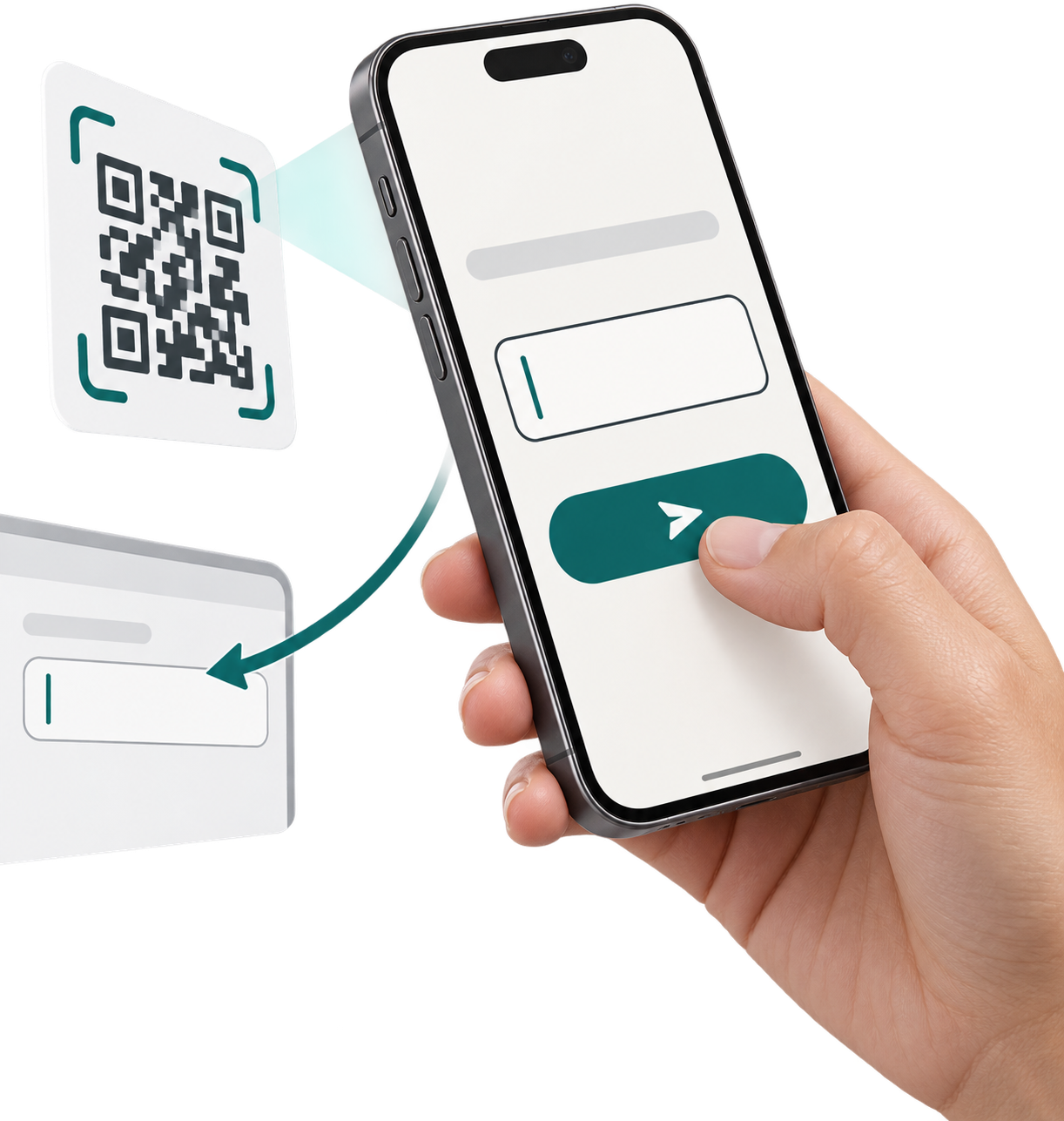
Your phone opens a short-lived encrypted path bound to that field.
Bring it from your phone's password manager. The desktop receives only what you send.
The gap between passwords and passkeys
Fill from Phone covers the awkward middle: a strong credential is already protected on the phone, but the computer still needs it and does not need the entire vault.
For password-manager teams
The reference extension proves a narrow phone-to-field interaction. The underlying protocol can fit inside an existing trusted mobile client and signed browser extension, extending a vault's reach without cloning the vault onto another endpoint.
One requested field. One authorized value. One consumable delivery. The proprietary technology is available for confidential technical diligence, commercial integration, and licensing.
Private by design
Your phone encrypts the value for the browser extension. The service holds only the opaque envelope long enough to deliver it once, and the extension never submits the form for you.
Chrome Web Store · Coming soon